


Ayyıldız2 | 2008 TR Yapısı • 1-99 Orta Emek Destan • Oto Avsız • 10 Temmuz 21:00 HEMEN TIKLA!


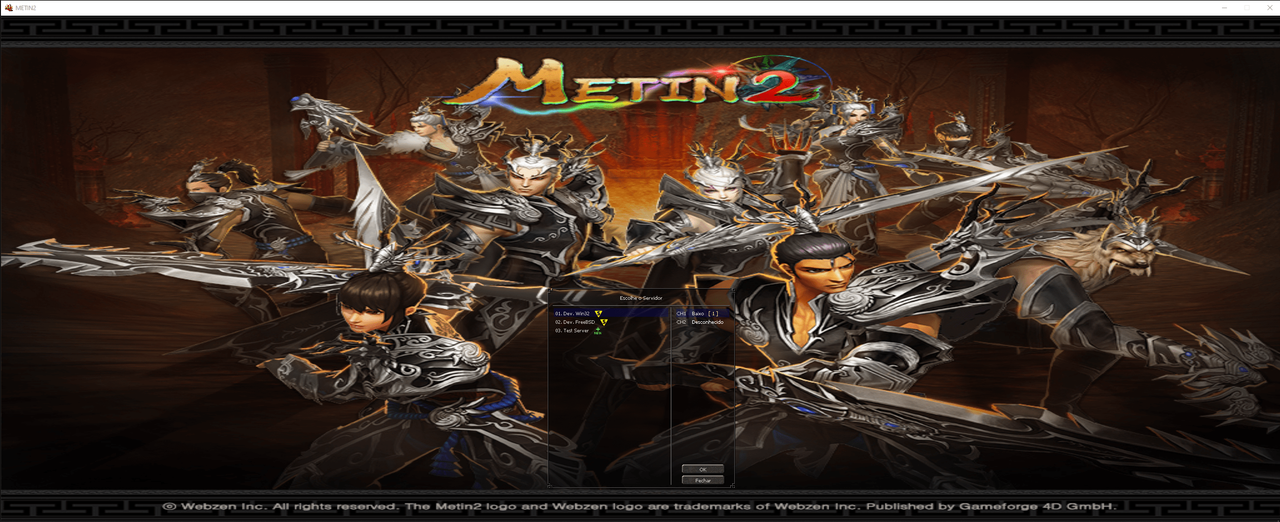
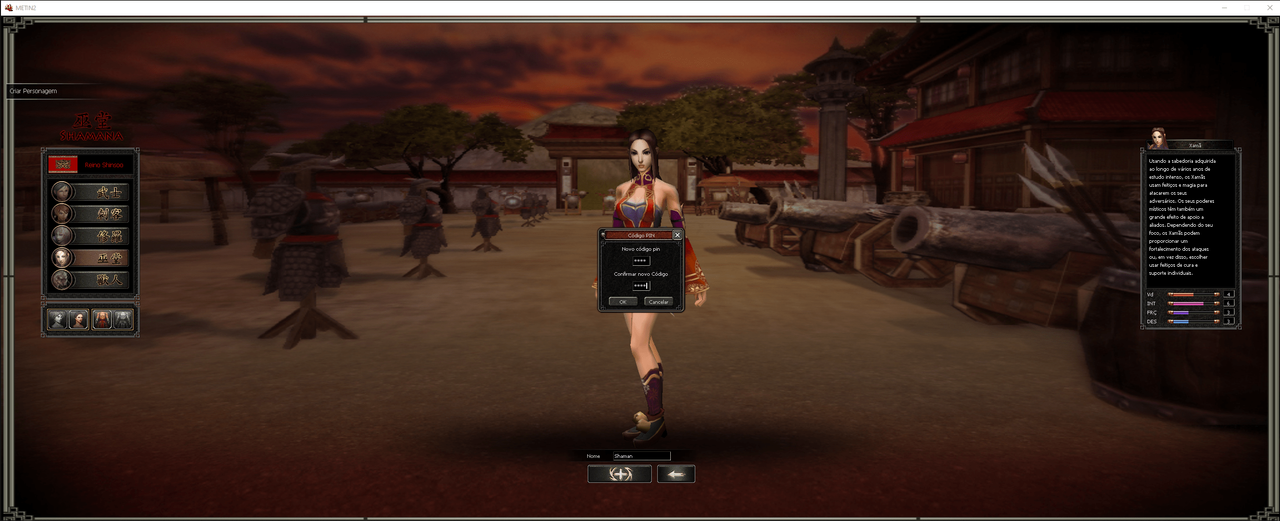
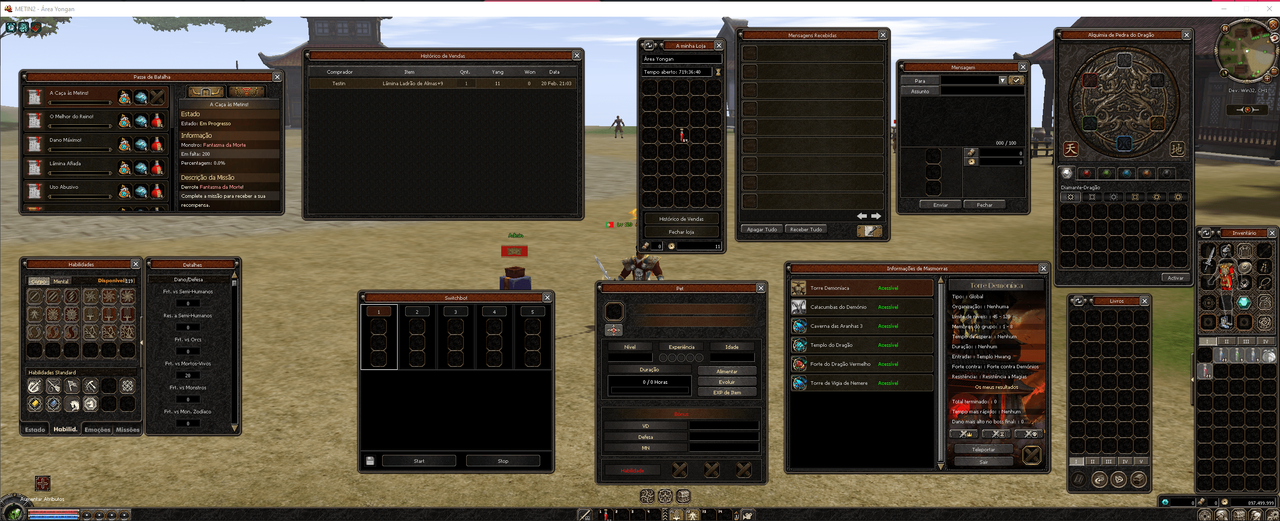
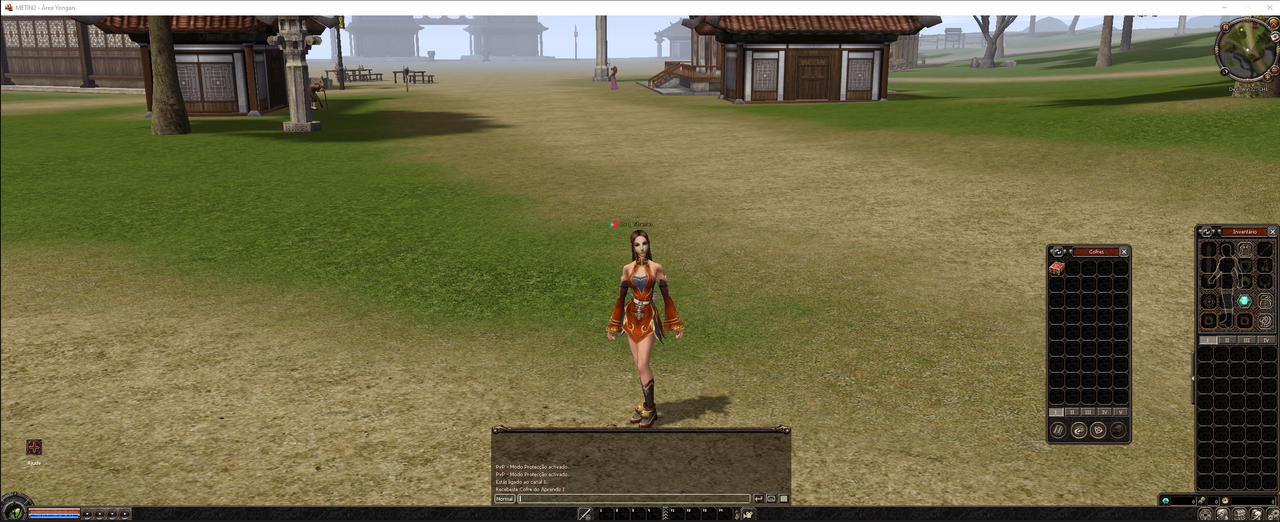

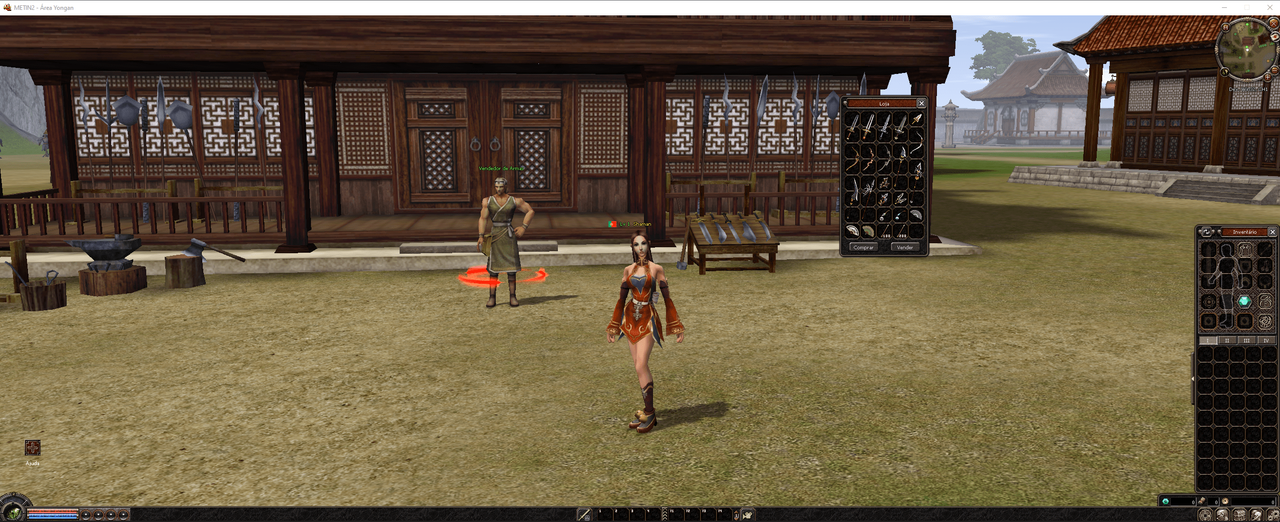
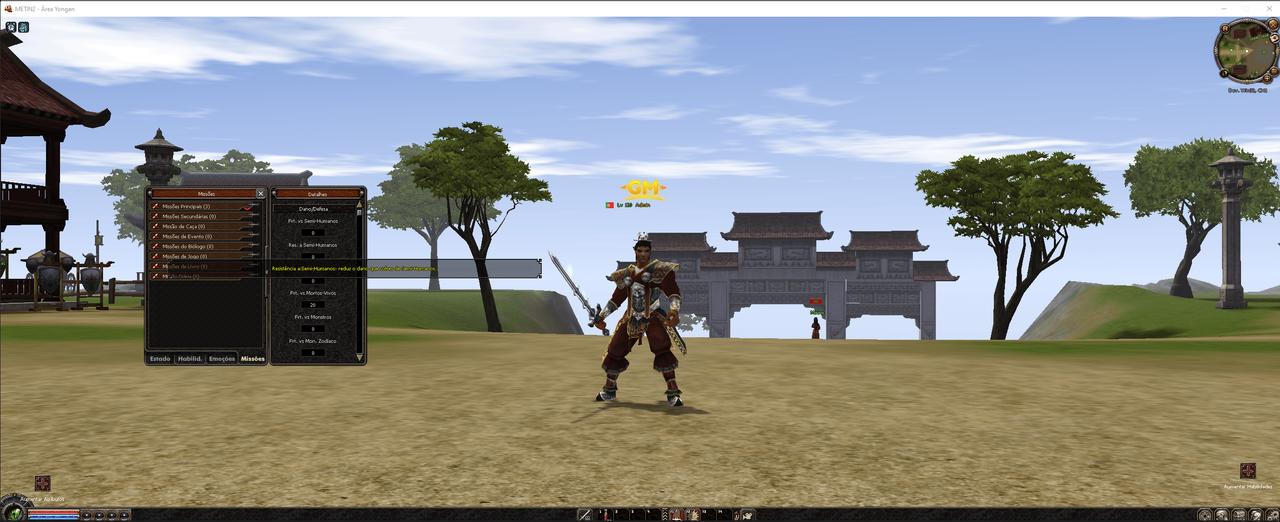
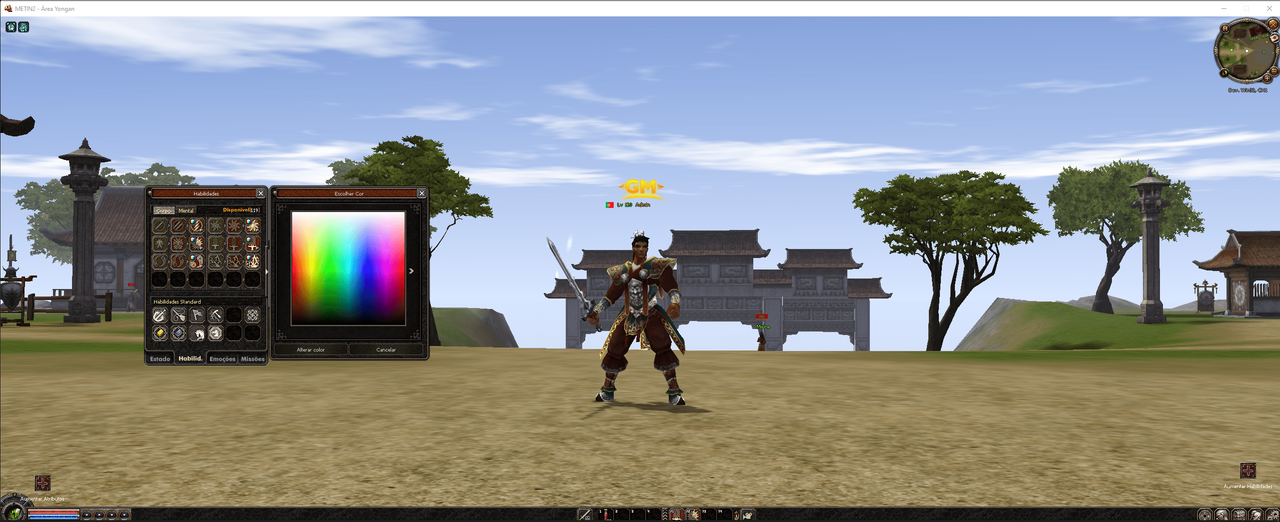
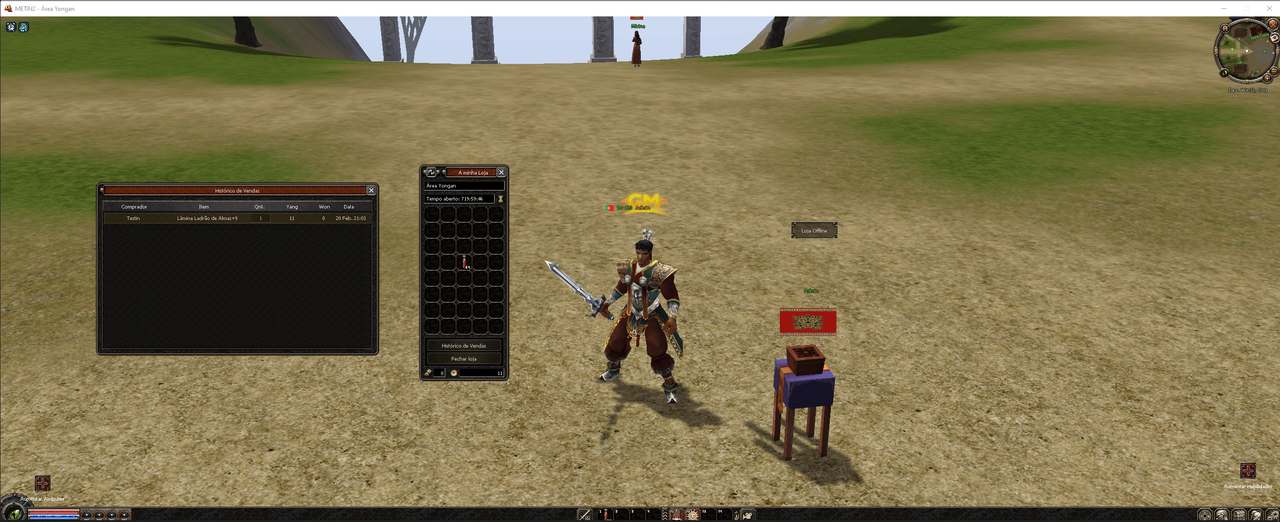
| Mysql | 5.7 |
| Visual Studio | 2019 Visual Studio 2019 Enterprise BF8Y8-GN2QH-T84XB-QVY3B-RC4DF Visual Studio 2019 Professional NYWVH-HT4XC-R2WYW-9Y3CM-X4V3Y |
| Freebsd | 12.1 32 bit VDI |
| Source Game | CC = clang / C++14 |
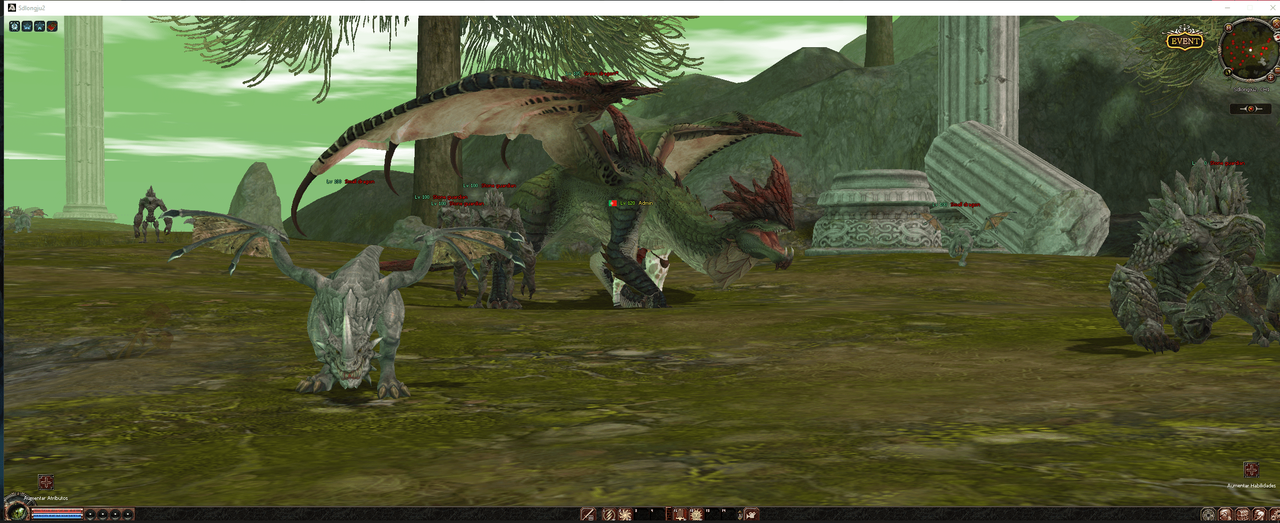
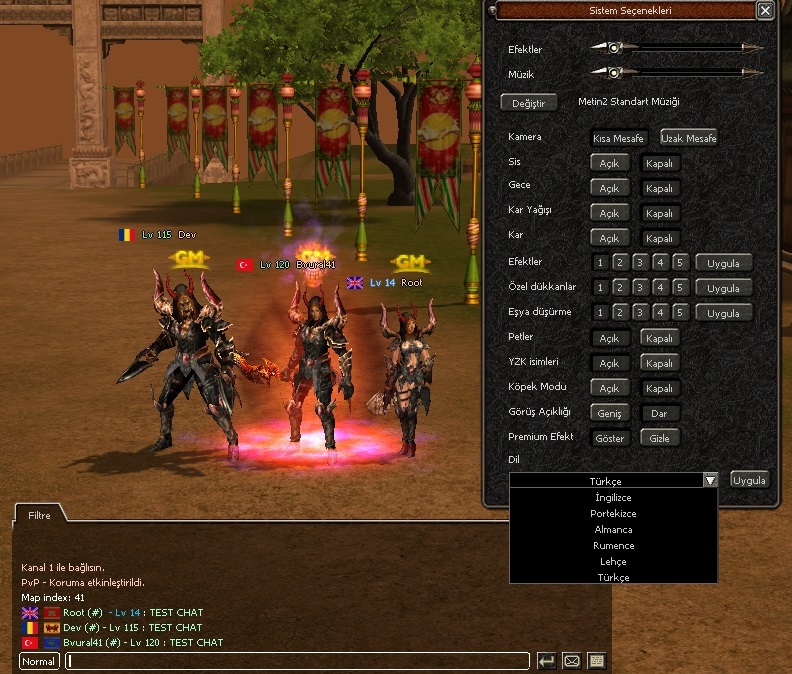
| MULTILANGUAGE | 11 |
| LICENCE | No |
| Minimum Requirements Hardware | 5 GB RAM 50 GB SSD ((( 4 Nucleos ))) |
| Required Packages | boost-all devil cryptopp openssl googletest gcc llvm gmake makedepend python python2 python27 mysql56-server mysql57-server |
| Install all these packages using: | pkg install -y boost-all devil cryptopp openssl googletest gcc llvm gmake makedepend python python2 python27 mysql56-server mysql57-server |
| Once you have installed MySQL, enable the service at startup. | sysrc mysql_enable="YES" |
| service mysql-server restart |
1)


Install all these packages using:
pkg
pkg update
portsnap fetch
portsnap fetch extract
portsnap fetch update
pkg install -y boost-all devil gcc llvm llvm-devel gmake makedepend subversion gdb python python2 python27 mysql57-client mysql57-server
2)
Once you have installed MySQL, enable the service at startup.
sysrc mysql_enable="YES"
3)
Linkleri görebilmek için Turkmmo Forumuna ÜYE olmanız gerekmektedir.
Change in " /usr/local/etc/mysql/ my.cnf
user = mysql
port = 3306
socket = /tmp/mysql.sock
basedir = /usr/local
datadir = /var/db/mysql
tmpdir = /var/db/mysql_tmpdir
slave-load-tmpdir = /var/db/mysql_tmpdir
secure-file-priv = /var/db/mysql_secure
log-bin = mysql-bin
sql_mode = ALLOW_INVALID_DATES
log-output = TABLE
master-info-repository = TABLE
relay-log-info-repository = TABLE
4)
5)Install Game & Mysql
1* cd /usr
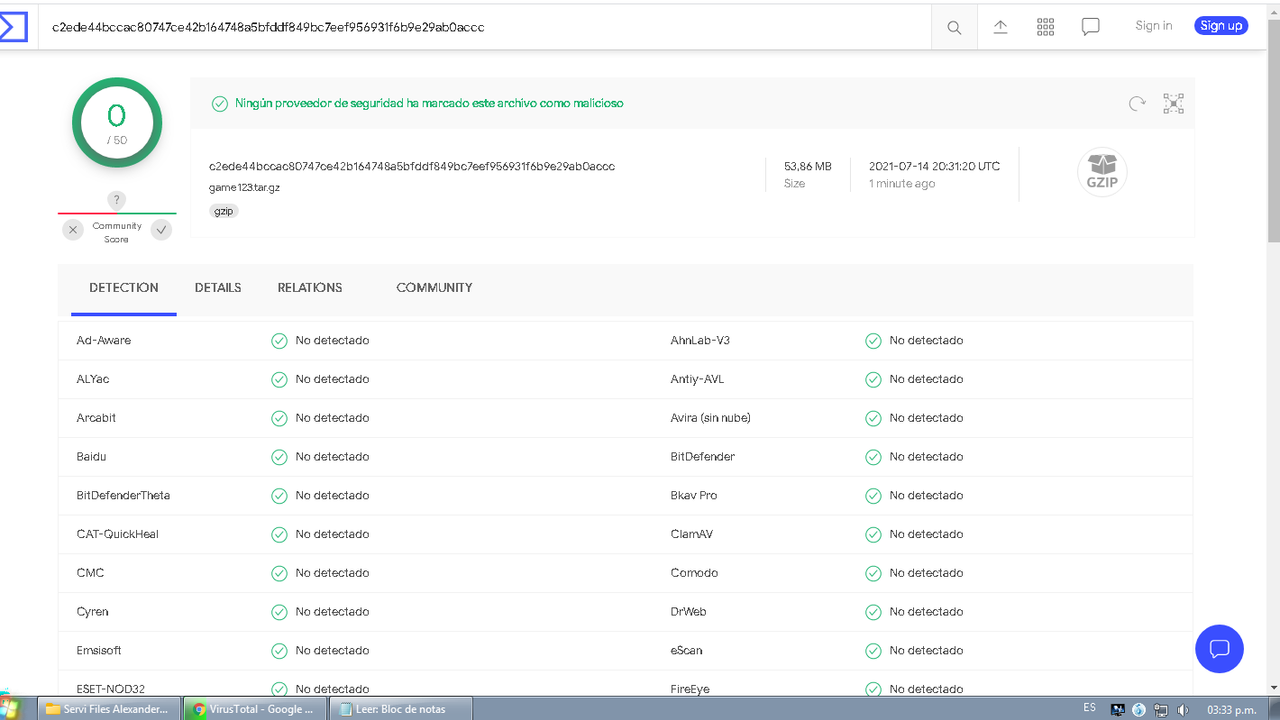
tar -zxvf game123.tar.gz
1* cd /var/db
2* rm -rf mysql
tar -zxvf mysql123.tar.gz
Install Game & Mysql
1* cd /usr
tar -zxvf game123.tar.gz
1* cd /var/db
6)2* rm -rf mysql
tar -zxvf mysql123.tar.gz
Change MySQL password:
1* /usr/local/etc/rc.d/mysql-server stop
2* mysqld_safe --skip-grant-tables &
3* conect you navicat, enter your ip address .. user: root .. password type: 123
4* go to: mysql -> User .. select the user "" root "" and scroll the bar to the right until the end where it says "password" ... change the current password by .. this password is equivalent to 123
*23AE809DDACAF96AF0FD78ED04B6A265E05AA257
new password:
Linkleri görebilmek için Turkmmo Forumuna ÜYE olmanız gerekmektedir.
Password VDI:
User: root Password: dev

Linkleri görebilmek için Turkmmo Forumuna ÜYE olmanız gerekmektedir.

Moderatör tarafında düzenlendi:
En Çok Reaksiyon Alan Mesajlar

Yes Buluta yükseliyor, sadece bir saat daha sürüyor.
Clien pack okey
You are a real man my friend


Mysql 5.7 Visual Studio 2019
Visual Studio 2019 Enterprise
BF8Y8-GN2QH-T84XB-QVY3B-RC4DF
Visual Studio 2019 Professional
NYWVH-HT4XC-R2WYW-9Y3CM-X4V3YFreebsd 12.1 32 bit VDI Source Game CC = clang / C++14 MULTILANGUAGE 11 LICENCE No Minimum Requirements
Hardware5 GB RAM
50 GB SSD
((( 4 Nucleos )))Required Packages boost-all devil cryptopp openssl googletest gcc llvm gmake makedepend python python2 python27 mysql56-server mysql57-server
Install all these packages using: pkg install -y boost-all devil cryptopp openssl googletest gcc llvm gmake makedepend python python2 python27 mysql56-server
mysql57-serverOnce you have installed MySQL, enable the service at startup. sysrc mysql_enable="YES" service mysql-server restart
1)
Install all these packages using:
2)
3)Linkleri görebilmek için Turkmmo Forumuna ÜYE olmanız gerekmektedir.
4)
5)
Install Game & Mysql
1* cd /usr
1* cd /var/db
6)
Change MySQL password:
3* conect you navicat, enter your ip address .. user: root .. password type: 123
4* go to: mysql -> User .. select the user "" root "" and scroll the bar to the right until the end where it says "password" ... change the current password by .. this password is equivalent to 123
new password:
Linkleri görebilmek için Turkmmo Forumuna ÜYE olmanız gerekmektedir.
Password VDI:
User: root Password: dev
Linkleri görebilmek için Turkmmo Forumuna ÜYE olmanız gerekmektedir.
Tüm dosyaları temaya yüklüyorum, lütfen biraz bekleyin, onları seviyorum,
thanks a lot mate.
 but do you upload client packs
Konu Sahibi
Konu Sahibi
Yes Buluta yükseliyor, sadece bir saat daha sürüyor.thanks a lot mate.
Colombia 5:02pm
Clien pack : 6:00 pm
Yes Buluta yükseliyor, sadece bir saat daha sürüyor.
Clien pack okey
You are a real man my friend
- Durum
- Üzgünüz bu konu cevaplar için kapatılmıştır...
Şu an konuyu görüntüleyenler (Toplam : 0, Üye: 0, Misafir: 0)
Benzer konular

- Cevaplar
- 42
- Görüntüleme
- 5K

- Cevaplar
- 259
- Görüntüleme
- 36K

- Kilitli
- Cevaplar
- 40
- Görüntüleme
- 4K

- Cevaplar
- 113
- Görüntüleme
- 14K

- Cevaplar
- 11
- Görüntüleme
- 3K